E-commerce Ad Generator
Generate professional product ads for your online store. Perfect for Shopify, WooCommerce, and Amazon sellers.
Upload Product Image
Drop your product photo or choose from your assets.
Pick Templates
Choose from our professional ad templates.
Download Ads
Get print-ready, platform-optimized ad creatives.
You’ve spent hours juggling product photos, copy, and dozens of ad specs, only to launch a campaign that looks half‑baked and underperforms. The back‑and‑forth between design tools and ad platforms drains budget and stalls growth, especially when you’re managing a Shopify or Etsy store on your own. With Reimagix’s E‑commerce Ad Generator, you upload a single product image, define your brand kit, and let the platform spin out perfectly sized creatives for Instagram, Facebook, TikTok, Pinterest, Google Ads, YouTube, Stories, and more, no Photoshop wizardry required. The result? dozens of polished ads ready to publish in minutes, freeing you to focus on scaling sales instead of tweaking layouts.
Imagine launching a new summer dress line and instantly receiving 30‑plus ad variations, each aligned with your brand colors and copy guidelines. You can test headlines, taglines, and CTAs across channels without hiring a designer. The speed and consistency boost click‑through rates, lower cost‑per‑acquisition, and keep your brand voice cohesive across every touchpoint, all while you stay in control of the creative direction.
Ad Creative Examples
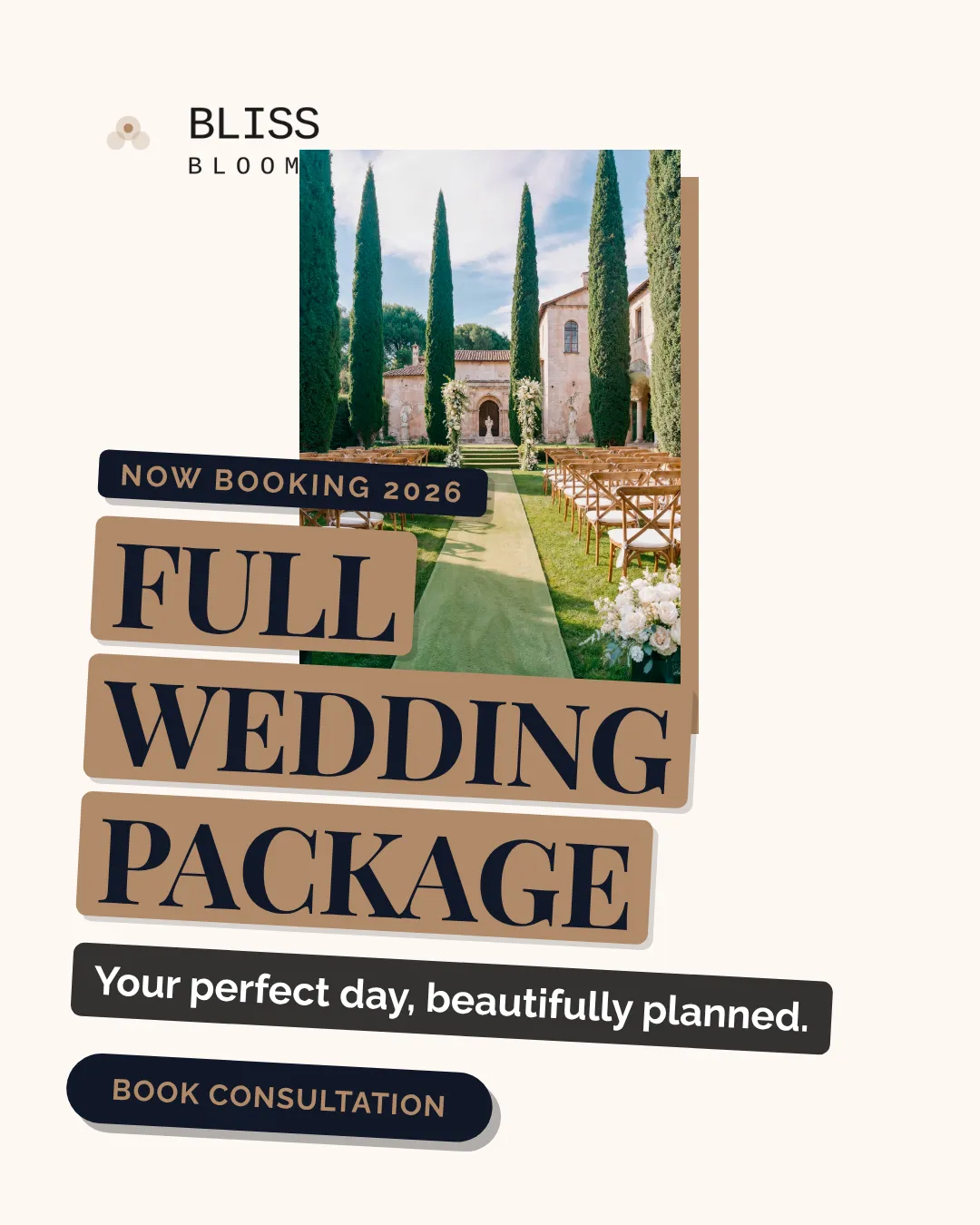


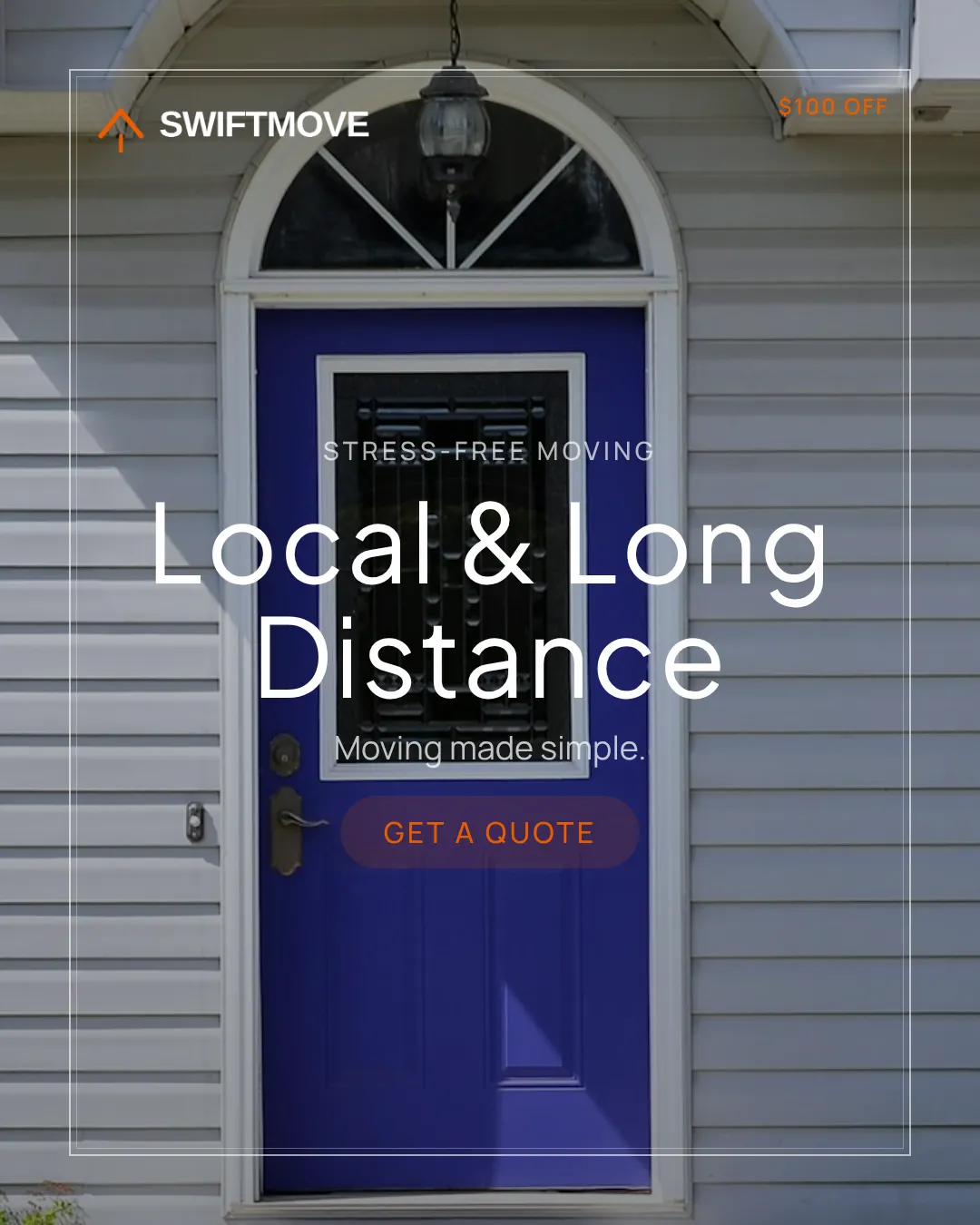


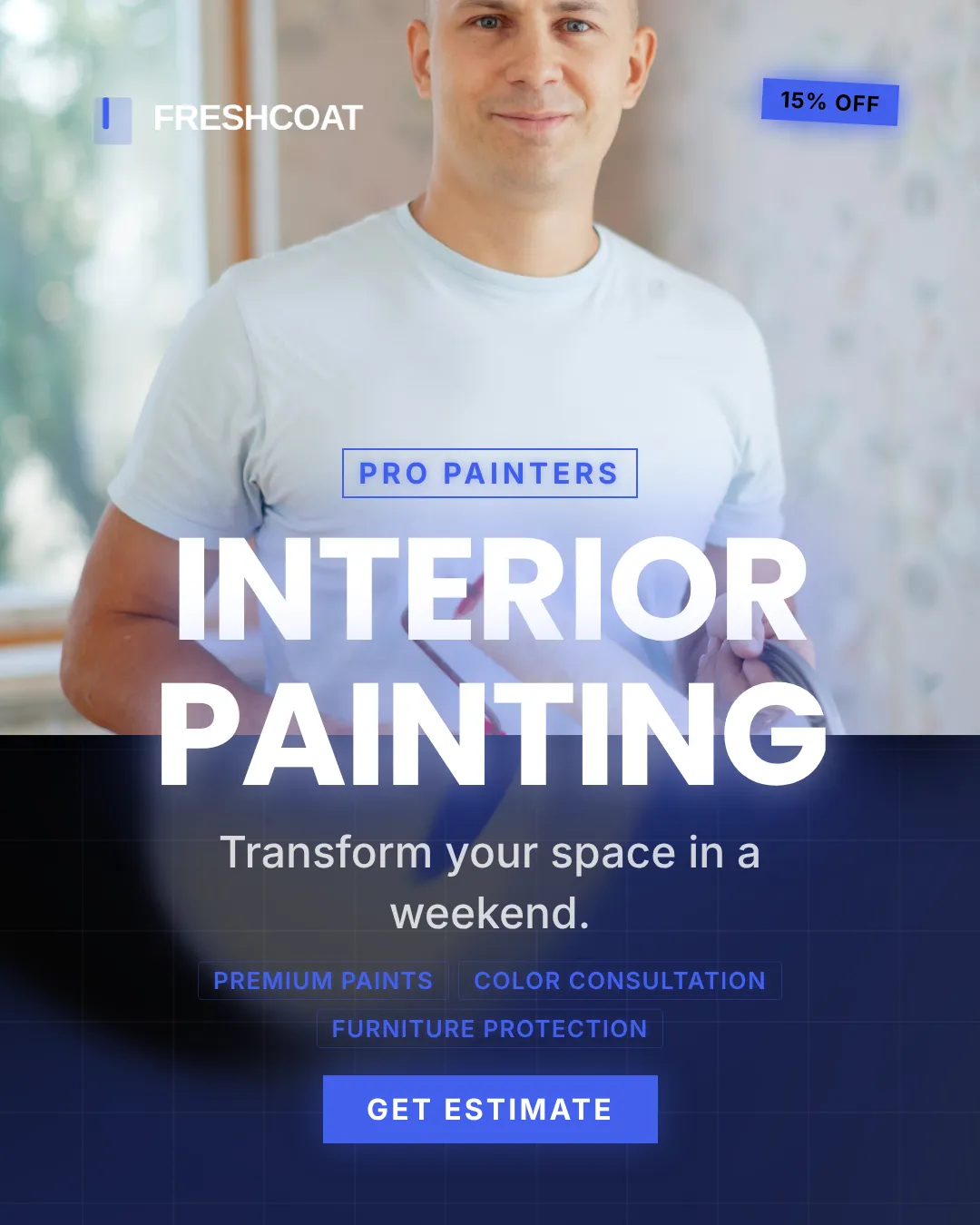
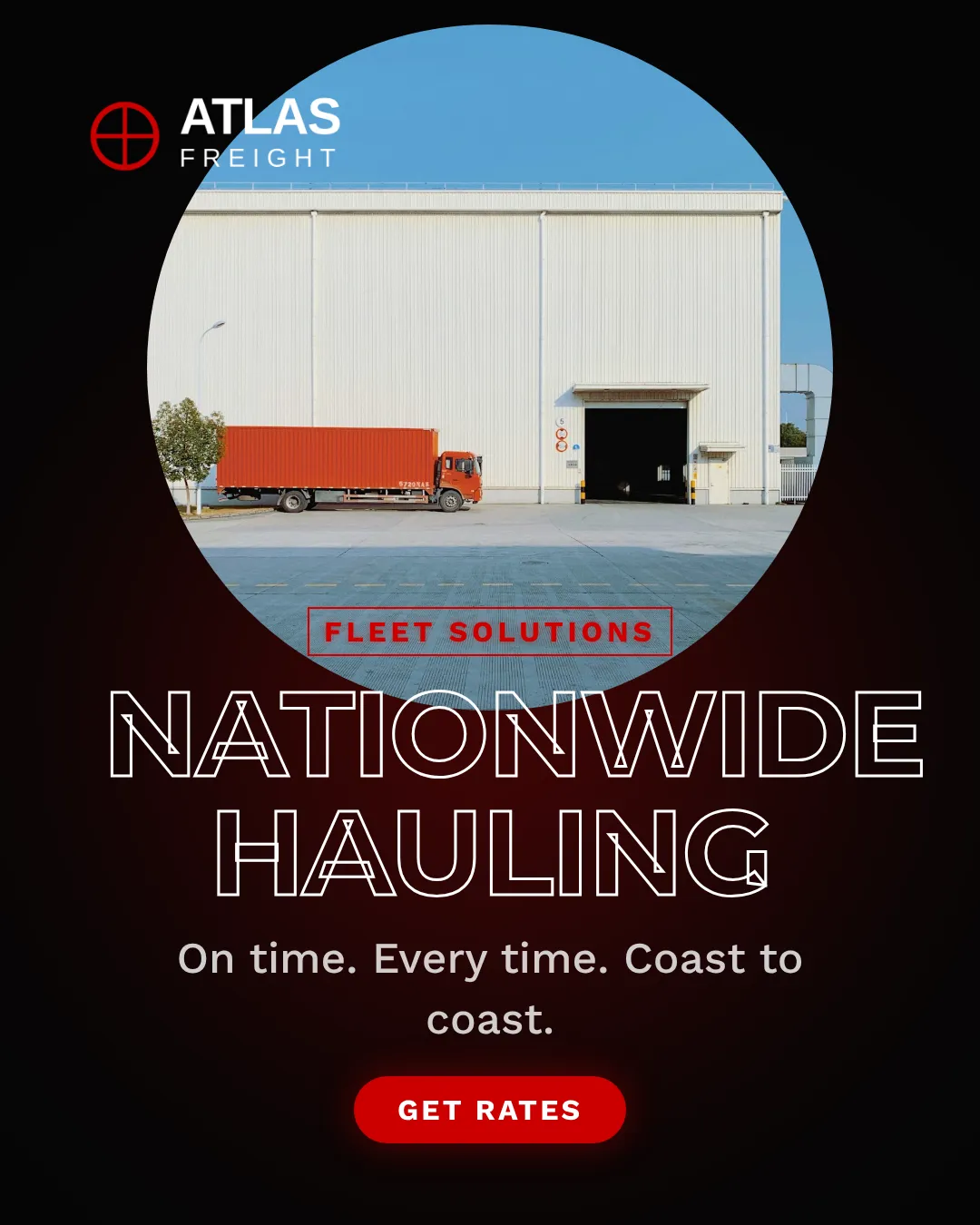
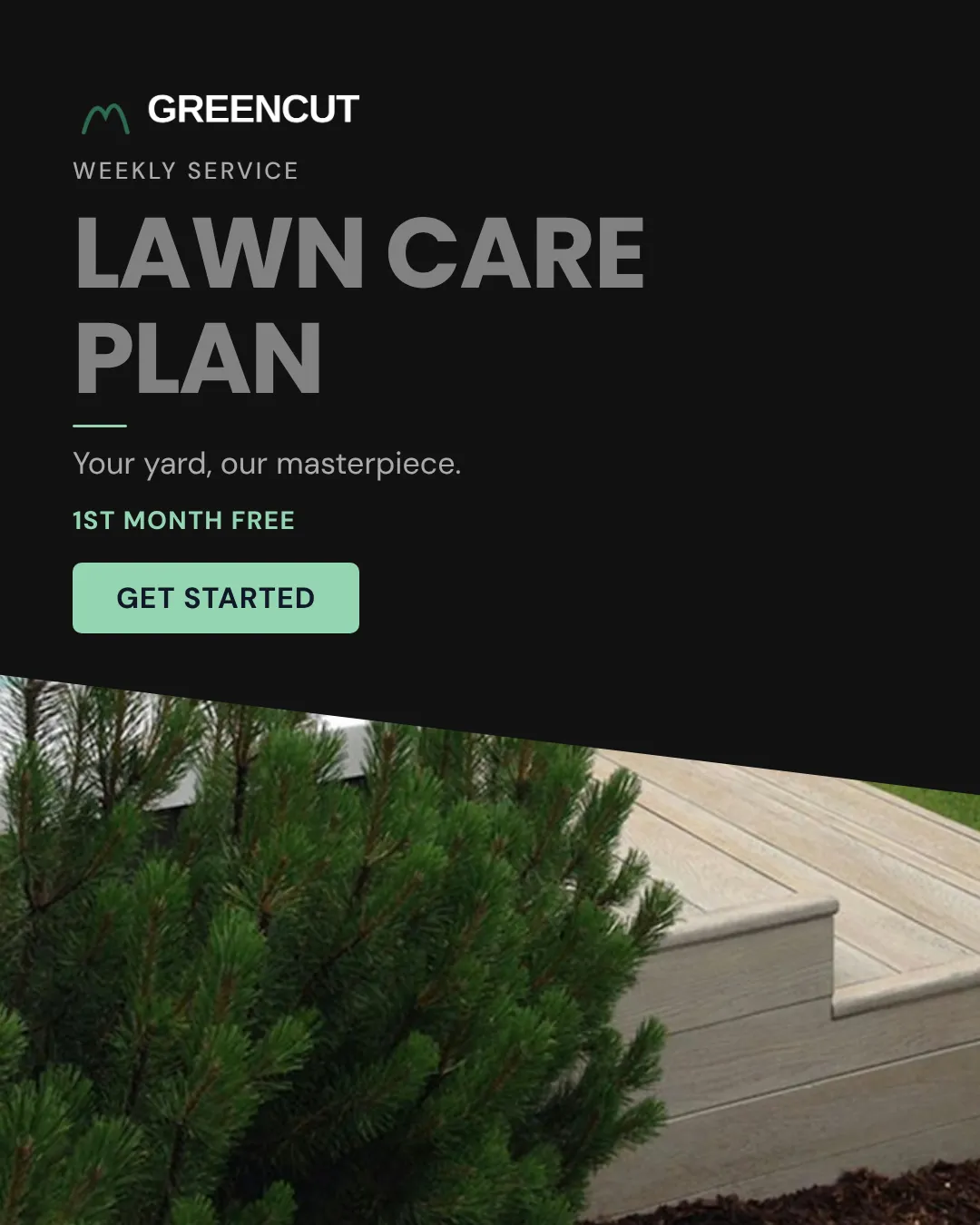

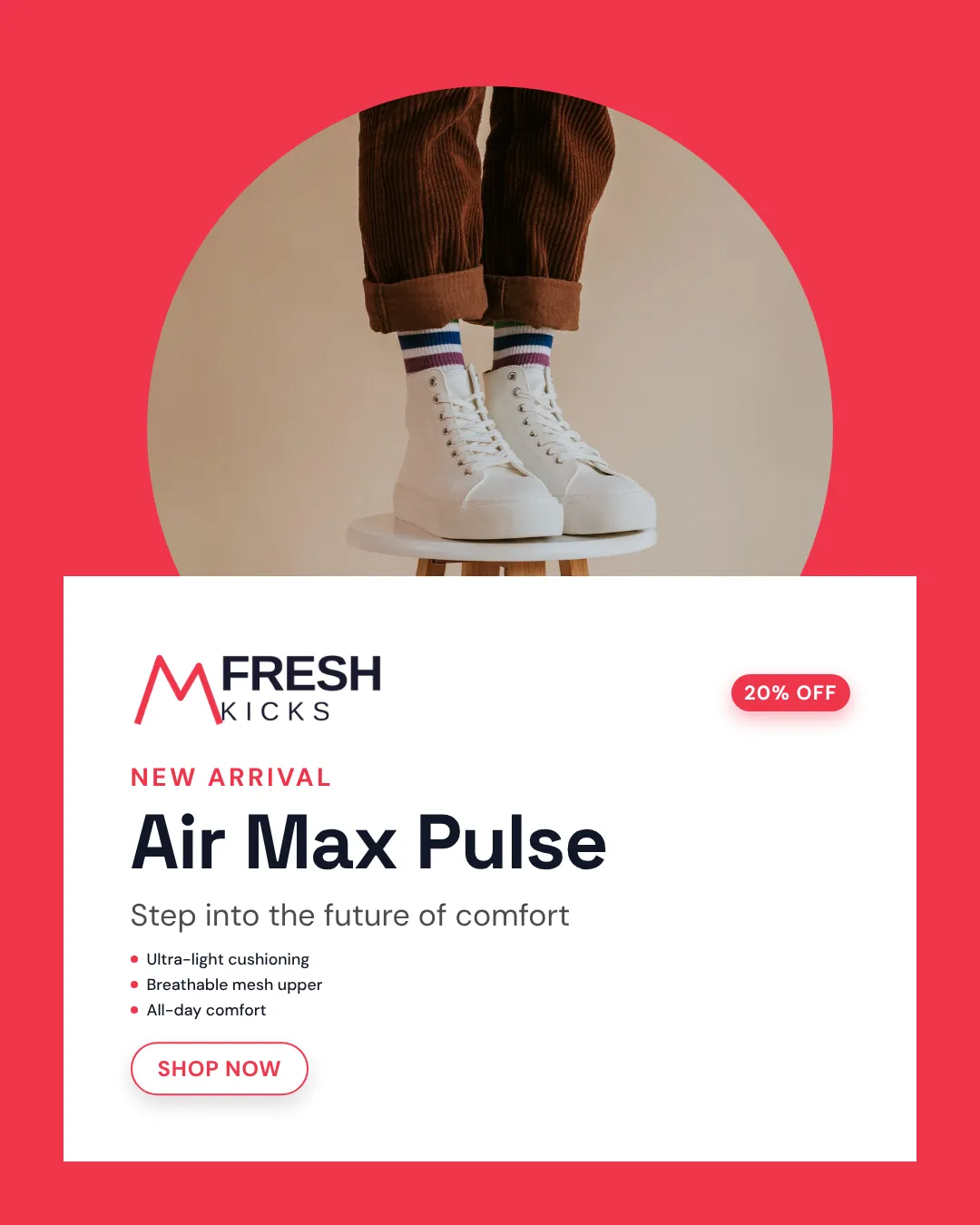
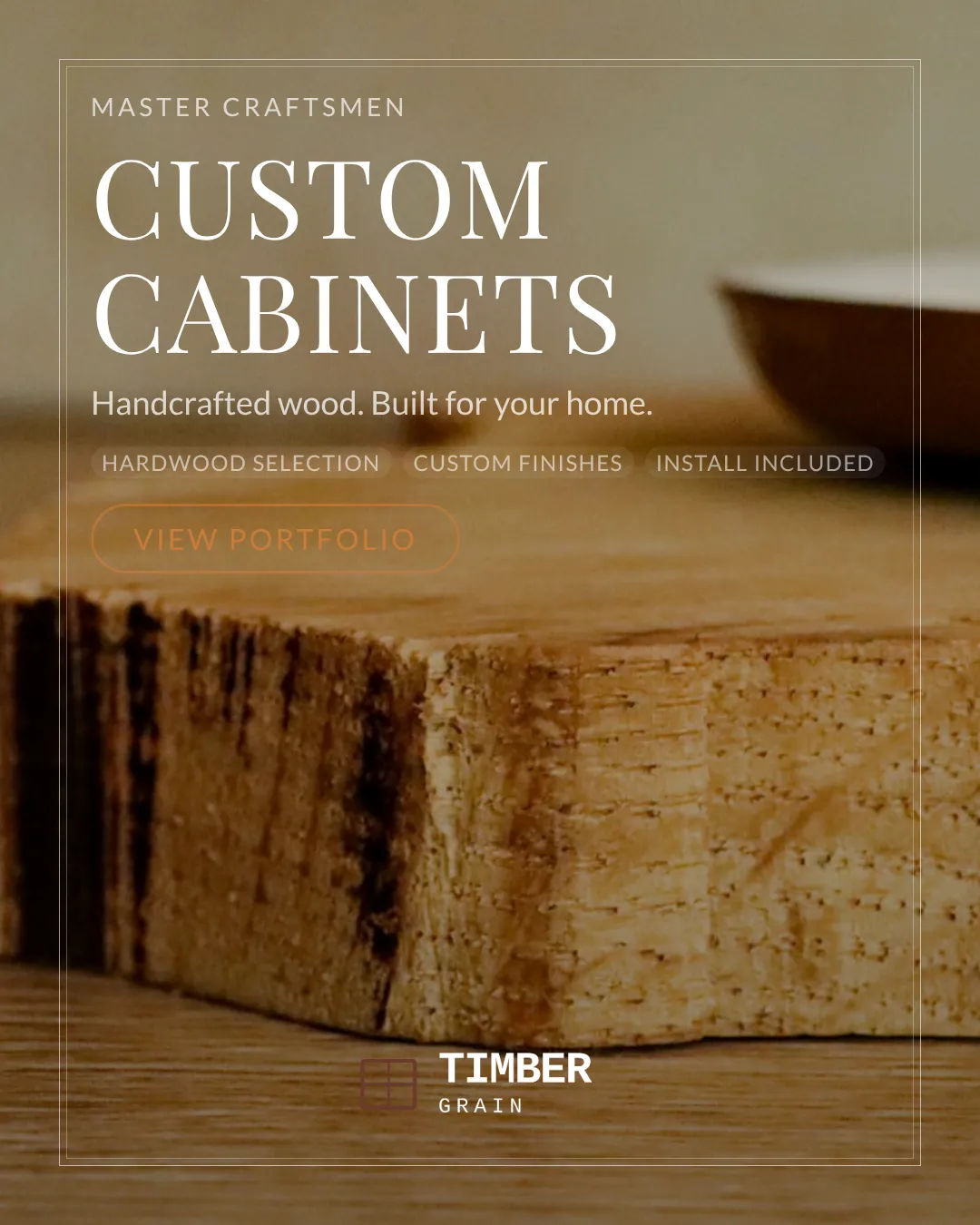
Why It Works
The generator leverages AI‑driven layout templates that map directly to each platform’s pixel‑perfect specifications, eliminating the guesswork of sizing and hierarchy. By anchoring every creative to your brand kit, colors, fonts, logos, the system maintains visual consistency, which research shows increases brand recall by up to 23%. It also integrates copy‑optimization algorithms that suggest headline structures proven to capture attention in e‑commerce feeds, drawing on millions of high‑performing ads. Because the tool produces multiple variations simultaneously, you can run rapid A/B tests, identify the top‑performing combos, and iterate faster than traditional design cycles. This data‑first approach aligns creative output with buyer psychology: clear value propositions, urgency cues, and vivid product visuals drive higher conversion rates across social and search channels.
Tips & Best Practices
1 Start with a focused brand kit
Upload your exact logo files, primary and secondary colors, and preferred fonts before creating ads. The generator uses these assets to ensure every variation feels unmistakably yours, preventing brand dilution.
2 Write concise, benefit‑driven copy
Craft headlines that highlight a single product benefit and keep taglines under 10 words. The AI prioritizes brevity, so clear value statements translate into higher click‑through rates.
3 Leverage platform‑specific formats
Select the exact ad placements you plan to use, Stories, Carousel, or Feed. The tool auto‑optimizes layout for each, so you avoid blurry images or cut‑off text that hurt performance.
4 Generate multiple CTA options
Create at least three different calls‑to‑action (e.g., "Shop Now," "Get 20% Off," "Limited Stock"). Testing varied CTAs helps you discover which urgency cue resonates best with your audience.
5 Batch export and schedule
After generating ads, use the bulk download feature to export all sizes, then upload to your ad scheduler. This streamlines rollout and ensures consistent timing across channels.
Frequently Asked Questions
How does the E‑commerce Ad Generator create platform‑specific sizes?
The tool contains built‑in templates for each major ad network. When you select a platform, it automatically resizes and re‑positions elements to meet exact pixel and aspect‑ratio requirements, so you never have to manually adjust dimensions.
Can I use my own copy or does the AI write it for me?
You can either write your own headline, tagline, and CTA or let the AI suggest alternatives based on your product description. Either way, you retain full control over the final copy.
Is there a limit to how many ads I can generate per product?
Reimagix allows unlimited variations per product within your subscription tier, enabling you to test as many creative angles as you need without extra cost.
Do I need design skills to edit the generated ads?
No. All creatives are ready‑to‑publish, but if you want minor tweaks, the built‑in editor lets you adjust text placement, colors, or swap images with a simple drag‑and‑drop interface.
Ready to Create Stunning Product Ads?
Upload your product image, pick a template, and generate professional ad creatives in seconds.
Start Creating Free