Social Media Ad Creator
One tool for all your social media ads. Create platform-perfect creatives for Instagram, TikTok, LinkedIn, Pinterest and more.
Upload Product Image
Drop your product photo or choose from your assets.
Pick Templates
Choose from our professional ad templates.
Download Ads
Get print-ready, platform-optimized ad creatives.
You’ve probably spent hours resizing images, rewriting copy, and guessing the perfect aspect ratio for each social channel, only to launch a campaign that looks off‑brand or gets ignored. The endless back‑and‑forth with designers, the missed deadlines, and the frustration of inconsistent visuals drain both time and ad spend. When a single product photo needs twelve different versions for Instagram, Facebook, TikTok, Pinterest, Google Ads, YouTube, and Stories, the workload quickly becomes unmanageable.\n\nReimagix eliminates that chaos. By uploading your product image, entering your headline, tagline, CTA, and key features, and selecting the platforms you target, the Social Media Ad Creator instantly produces dozens of perfectly sized, on‑brand creatives. Your brand kit, colors, fonts, logo, drives every output, so each ad feels cohesive across channels without any design expertise. The result is a fast, reliable pipeline that lets you focus on strategy and scaling, while the tool handles the technical details you’d otherwise spend days wrestling with.
Ad Creative Examples
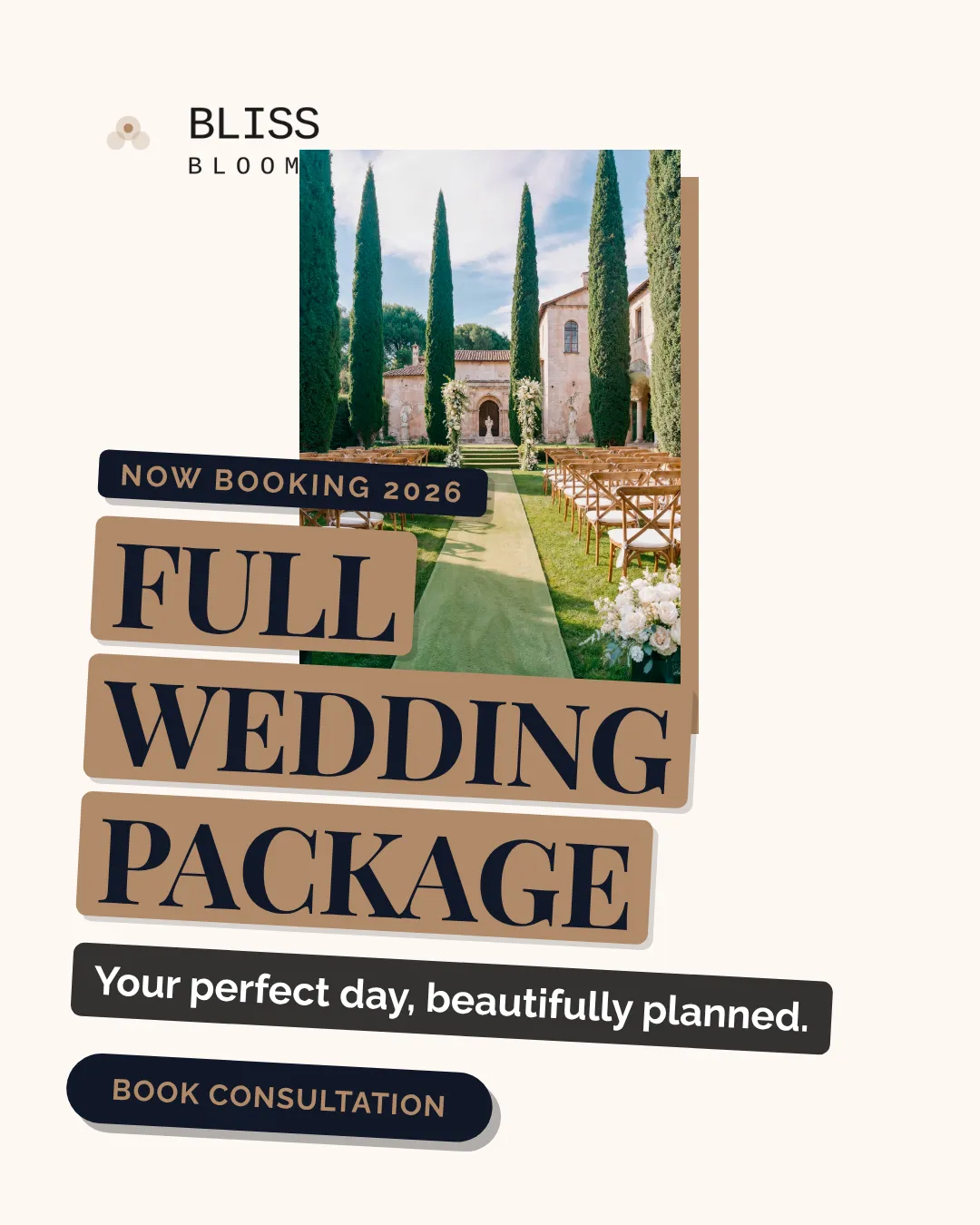


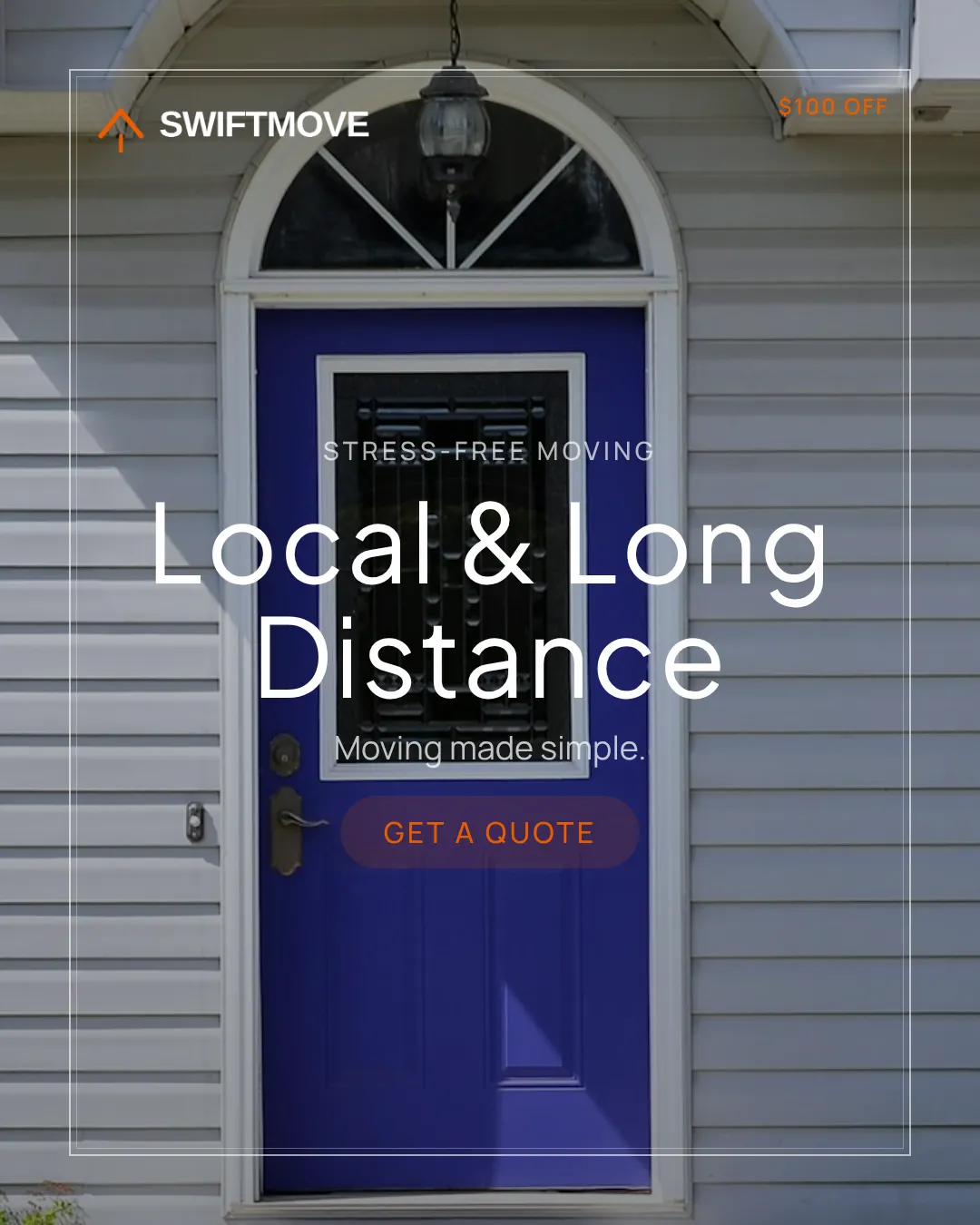


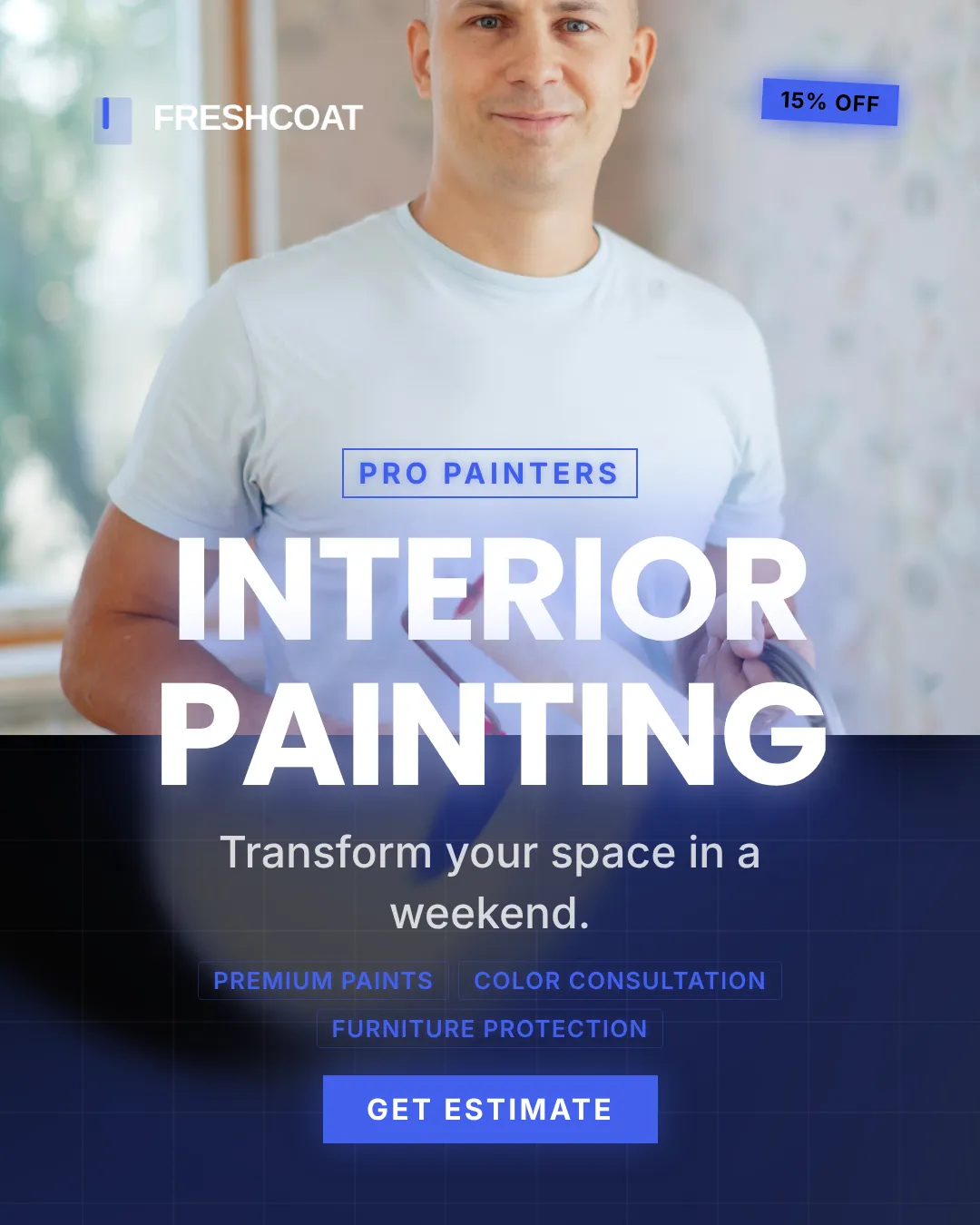
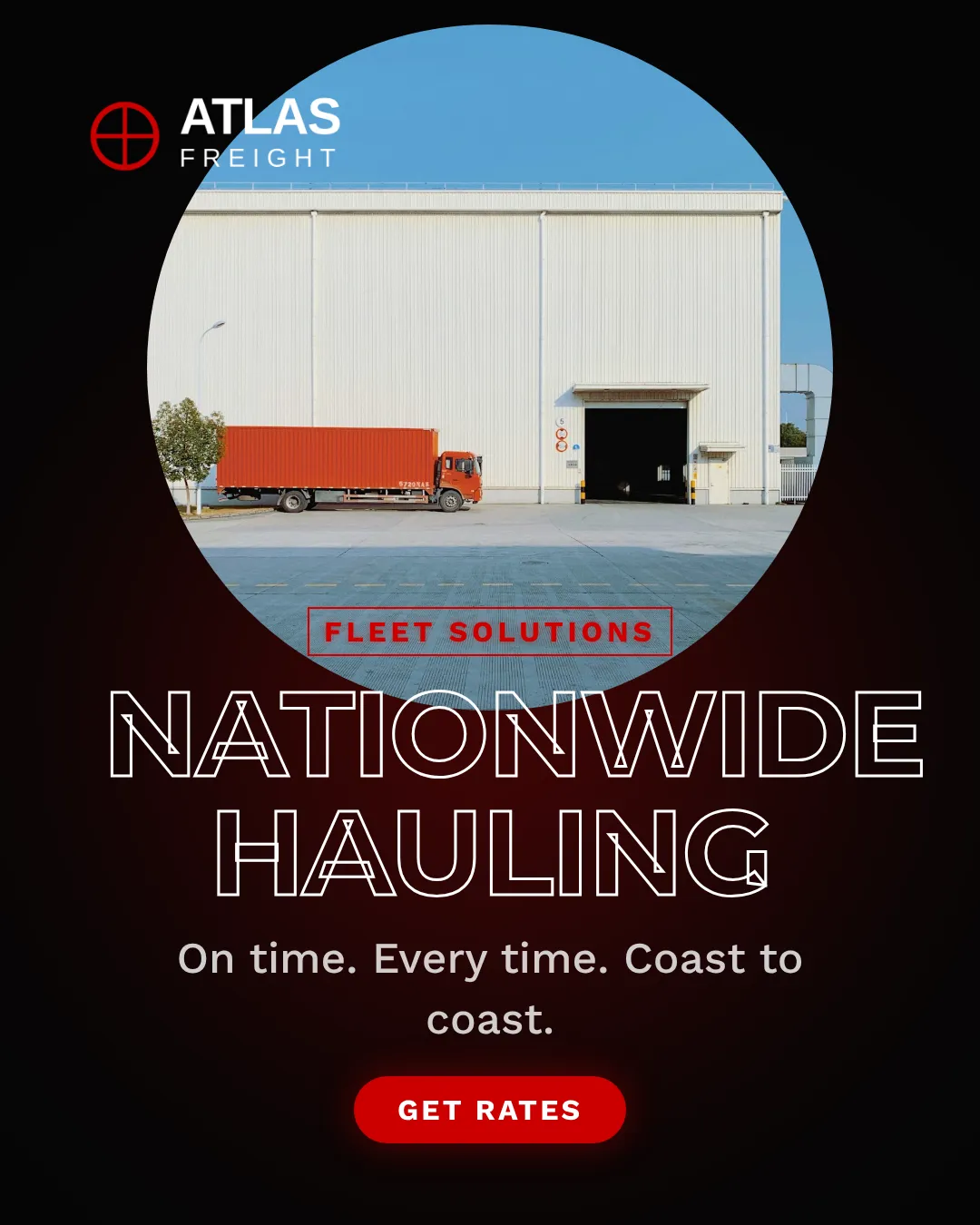
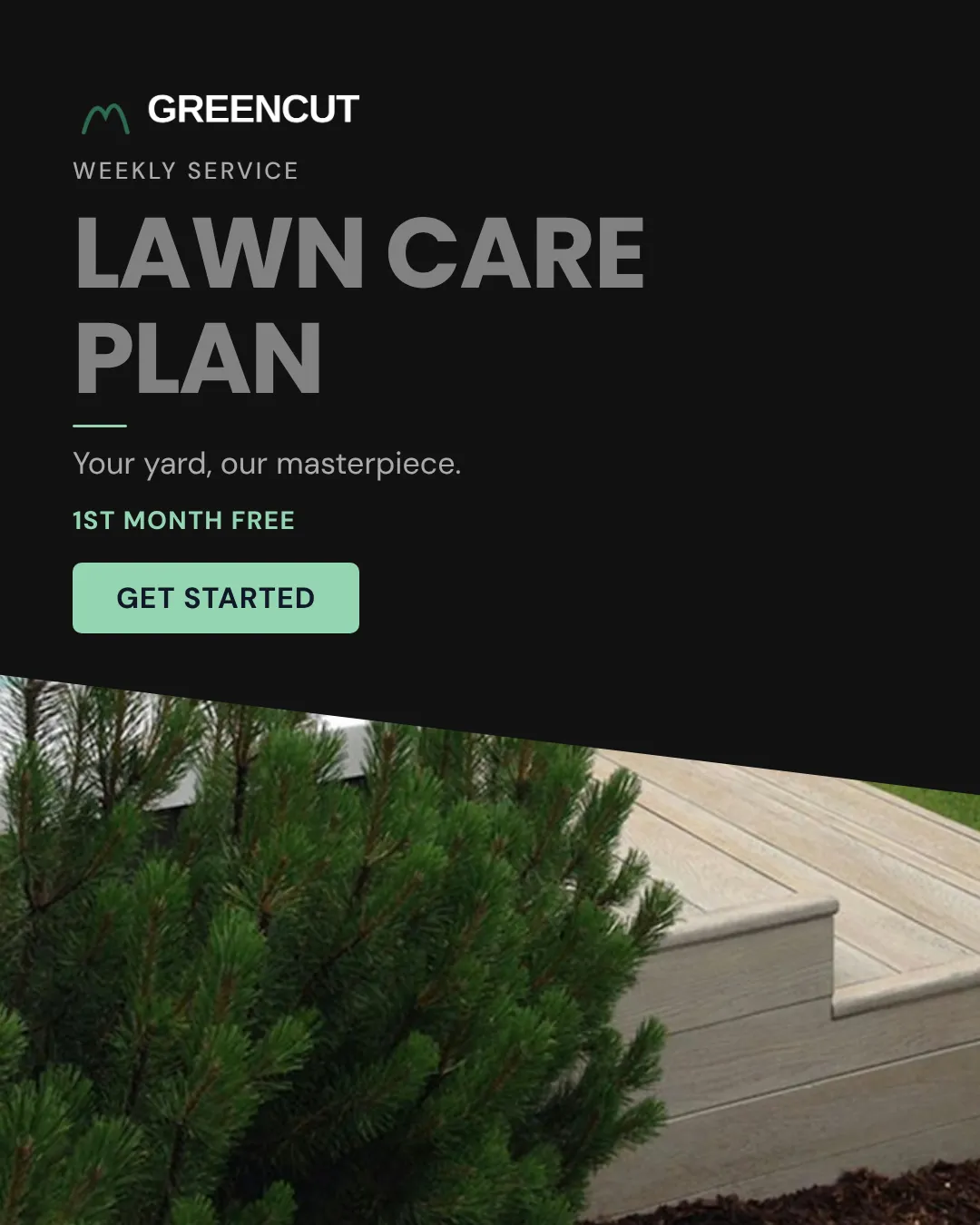

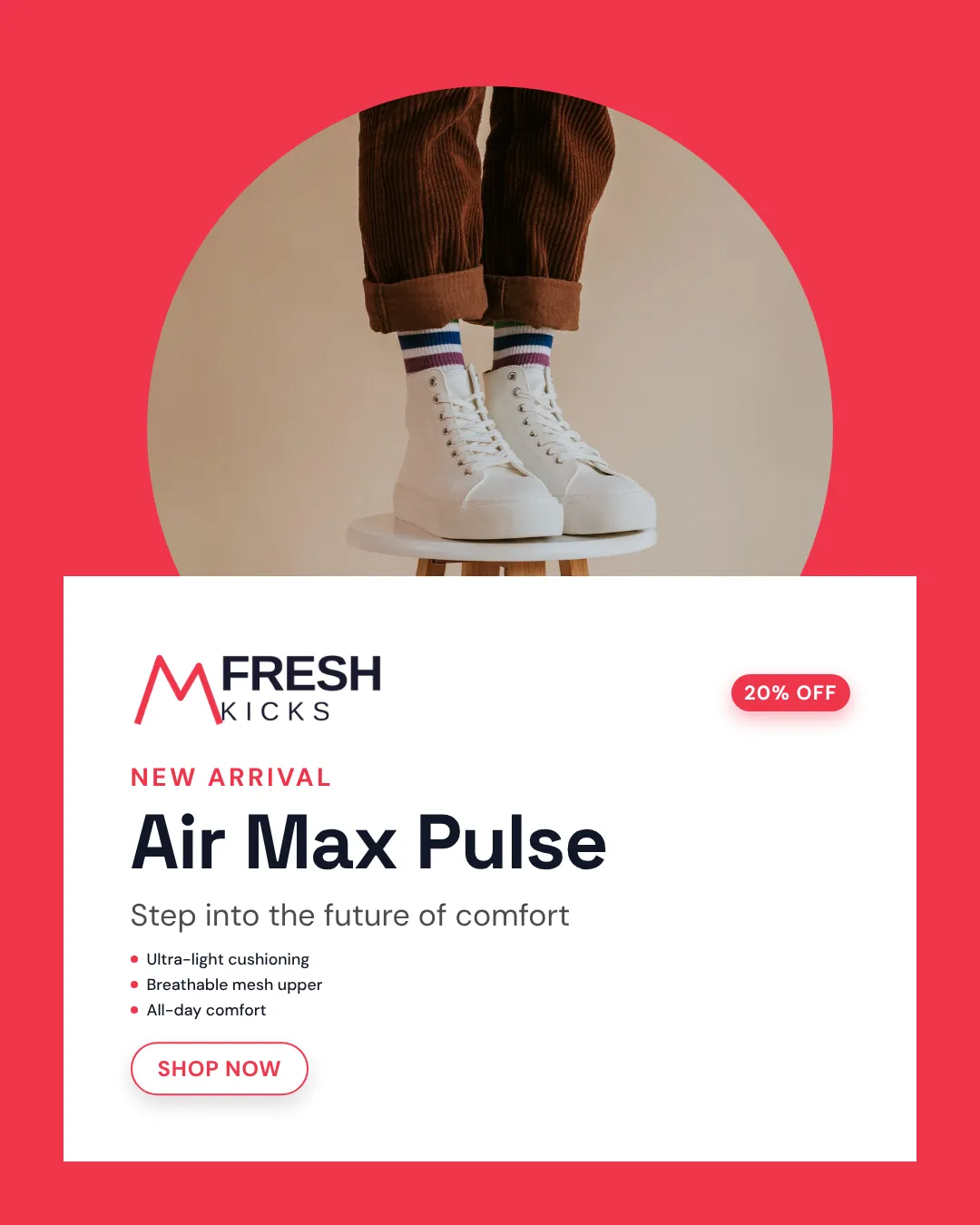
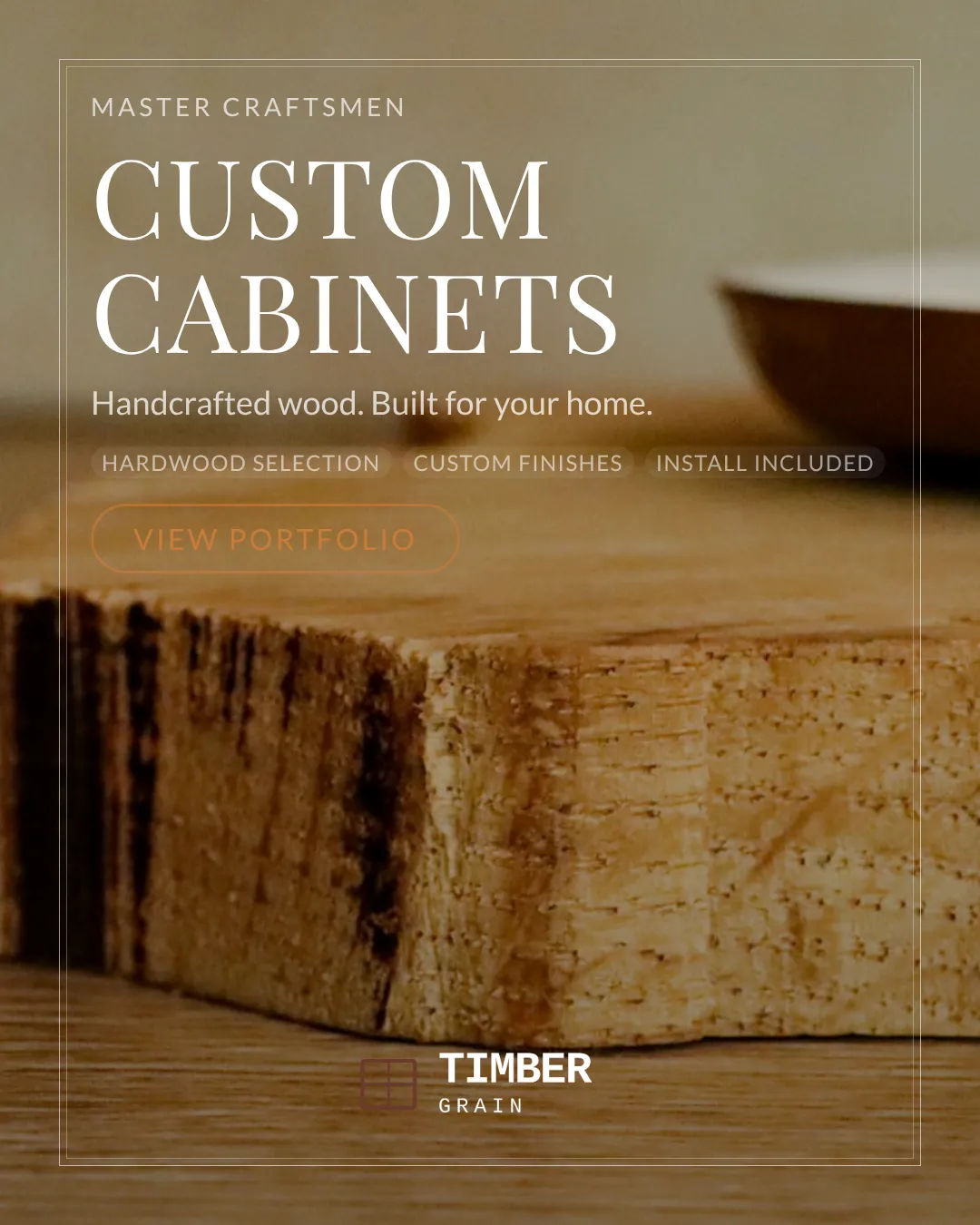
Why It Works
Social platforms reward native‑format creatives that match their specific pixel, video length, and text‑overlay rules. The Ad Creator taps into each platform’s layout algorithms, automatically applying the correct dimensions, safe zones, and file specifications, so your ads never get rejected or look cropped. At the same time, the engine leverages buyer psychology: consistent color palettes and typography reinforce brand recall, while concise, benefit‑focused copy aligns with the short‑attention‑span browsing behavior on feeds. By marrying platform‑specific technical compliance with proven visual‑branding principles, the tool delivers ads that both pass technical checks and resonate emotionally with shoppers.\n\nBehind the scenes, a template library built from high‑performing campaigns feeds the generator. Machine‑learning models prioritize layouts that have historically driven higher click‑through rates for e‑commerce products, then dynamically insert your custom assets. This blend of data‑driven design and brand‑centric consistency ensures each creative is optimized for the channel’s algorithm and the buyer’s decision triggers, resulting in higher engagement and lower cost per acquisition.
Tips & Best Practices
1 Lock down a tight brand kit first
Before you generate any ads, upload your exact brand colors, fonts, and logo. A consistent kit guarantees every output feels unified, boosting brand recall across platforms.
2 Select only the platforms you’ll actually use
Choosing unnecessary formats adds clutter. Pick the specific networks (e.g., Instagram Feed, TikTok, Pinterest Pins) you plan to run, so the generator focuses on the most effective sizes.
3 Write punchy, benefit‑first headlines
Algorithms favor headlines under 30 characters with power words. Highlight the primary benefit, speed, savings, uniqueness, so the AI can place it in high‑visibility spots.
4 Show the product front‑and‑center
Upload a high‑resolution image with a clear background. The tool auto‑crops to keep the product in the focal area, preventing distracting borders that hurt conversion.
5 Iterate with A/B variations
Generate at least three headline/tagline combos per platform, then run quick split tests. The generator lets you swap copy in seconds, accelerating the optimization loop.
Frequently Asked Questions
How does the Social Media Ad Creator produce platform‑specific sizes?
The tool contains a built‑in library of the exact pixel dimensions, safe‑zone margins, and file formats for each major social channel. When you select a platform, it automatically applies the correct template and exports the ad in the required size.
Can I use my own fonts and colors in the generated ads?
Yes. After creating a brand kit with your exact hex colors, font families, and logo, every creative pulls those assets, ensuring each ad matches your visual identity across all platforms.
Do I need design experience to get professional‑looking ads?
No. The generator uses pre‑tested templates and AI‑driven layout rules, so you only need to provide product images and copy. The system arranges elements for optimal visual hierarchy without any manual design work.
Is there a limit to how many ads I can generate per month?
Reimagix offers tiered plans; the free tier allows up to 20 ad variations per month, while paid plans provide unlimited generation and access to premium templates.
Ready to Create Stunning Product Ads?
Upload your product image, pick a template, and generate professional ad creatives in seconds.
Start Creating Free